















Cyber Security Articles

  • Security Orchestration and Automation

    The SOAR Bedtime Story - The SOAR Evolution

    Cyber Security Articles

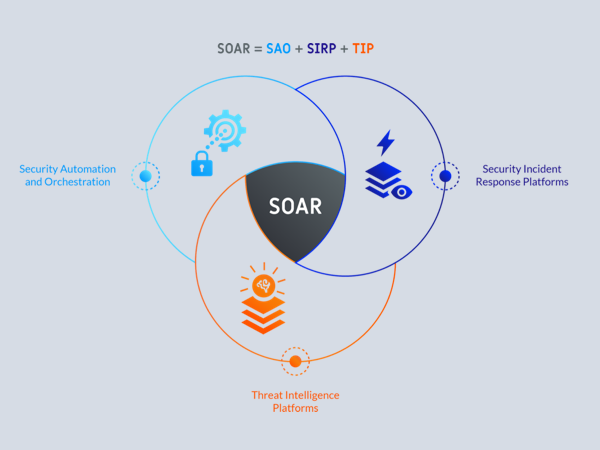
    SOAR - Security Orchestration, Automation and Response is a fundamental platform in today's SOC, let's talk SOAR and how it evolved so we can know really what's SOAR

    Read More
  • Security Orchestration and Automation

    Part 2: The SOAR Bedtime Story

    Cyber Security Articles

    Part 2 of the SOAR Bedtime Story and The SOAR Evolution, this time we focus on Automation that evolved to Orchestration that evolved to SOAR ;)

    Read More
  • AI, Machine Learning and Cognitive in Cyber Security

    AI, Machine Learning and Cognitive in Cyber Security

    Cyber Security Articles

    How to use AI, Machine Learning and Cognitive in Cyber Security to empowers security analysts to drive consistent investigations and make quicker and more decisive incident escalations, resulting in reduced dwell times and increased analyst efficiency.

    Read More
  • NTA and NDR

    NTA and NDR: What's the difference? how it works?

    Cyber Security Articles

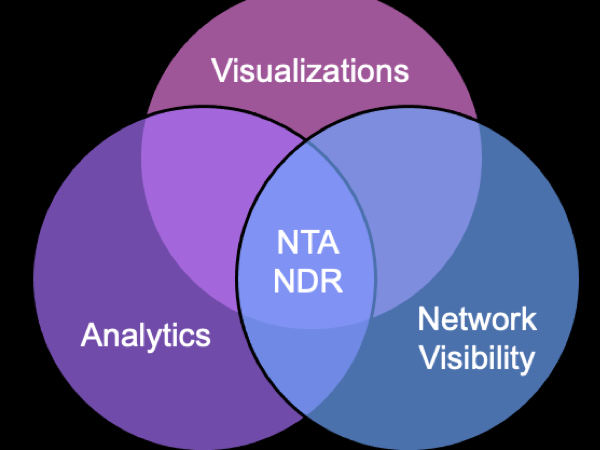
    NTA and NDR is a key component of the SOC Triad, what's the difference between NTA and NDR and how it works? let's dig into that ..

    Read More
  • The SOC Triad

    The SOC Triad

    Cyber Security Articles

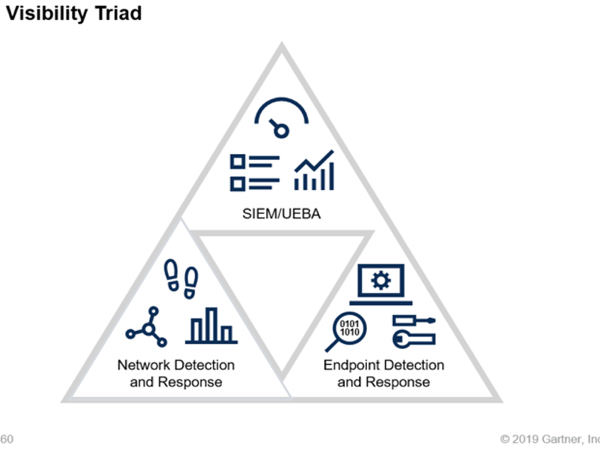
    The Security Operations Center (SOC) Visibility Triad, a network-centric approach to threat detection and response, as described by Gartner in 2019, the three core pillars of the triad and how they work together

    Read More
  • ATT&CK MITRE Framework

    ATT&CK MITRE Best Practices

    Cyber Security Articles

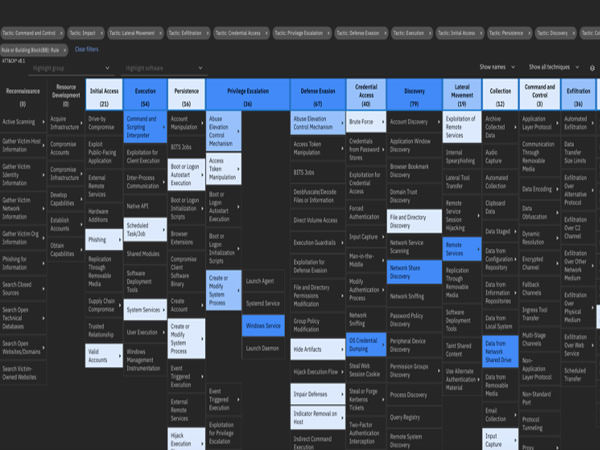
    ATT&CK MITRE is adding a lot of value in the different stages of the SOC operations, here we look into the best practices for utilizing the advanced framework and how to get the best out of it

    Read More

Ashraf's VideosBest Experience Ever!


How to Take Your Joomla! Website Temporarily Offline

There may be occasions when you will make your Joomla! website completely unavailable to visitors for a short time. There is a simple switch in the Administrator back-end that enables you to take your website offline very quickly. It can be returned to service at a later time just as easily.
image

To make your Joomla! website unavailable to visitors, replacing it with a simple message, do this:

  1. Log in to the Administrator back-end.
  2. Click on the Global Configuration button in the main Control Panel or click the Site → Global Configuration menu item in Joomla 2.5 or System → Global Configuration in Joomla 3.x.
  3. There are so many configuration options that they need to be divided into separate groups or tabs. The Site tab, it should be the default first view displayed, if not click on the tab.
  4. Find where it says Site Offline and change the radio button from No to Yes in Joomla 2.5 or click the Yes button in Joomla 3.x.
  5. Optional: Change the Offline Message to give your visitors some explanation about why your website is unavailable.
  6. Click the Save toolbar button to implement the new settings:
    • The Save toolbar button will save your changes and but leave you in Global Configuration.
    • The Save and Close button will save your changes and return you to the Administrator Control Panel.
  7. You should see a message confirming the settings have been changed.

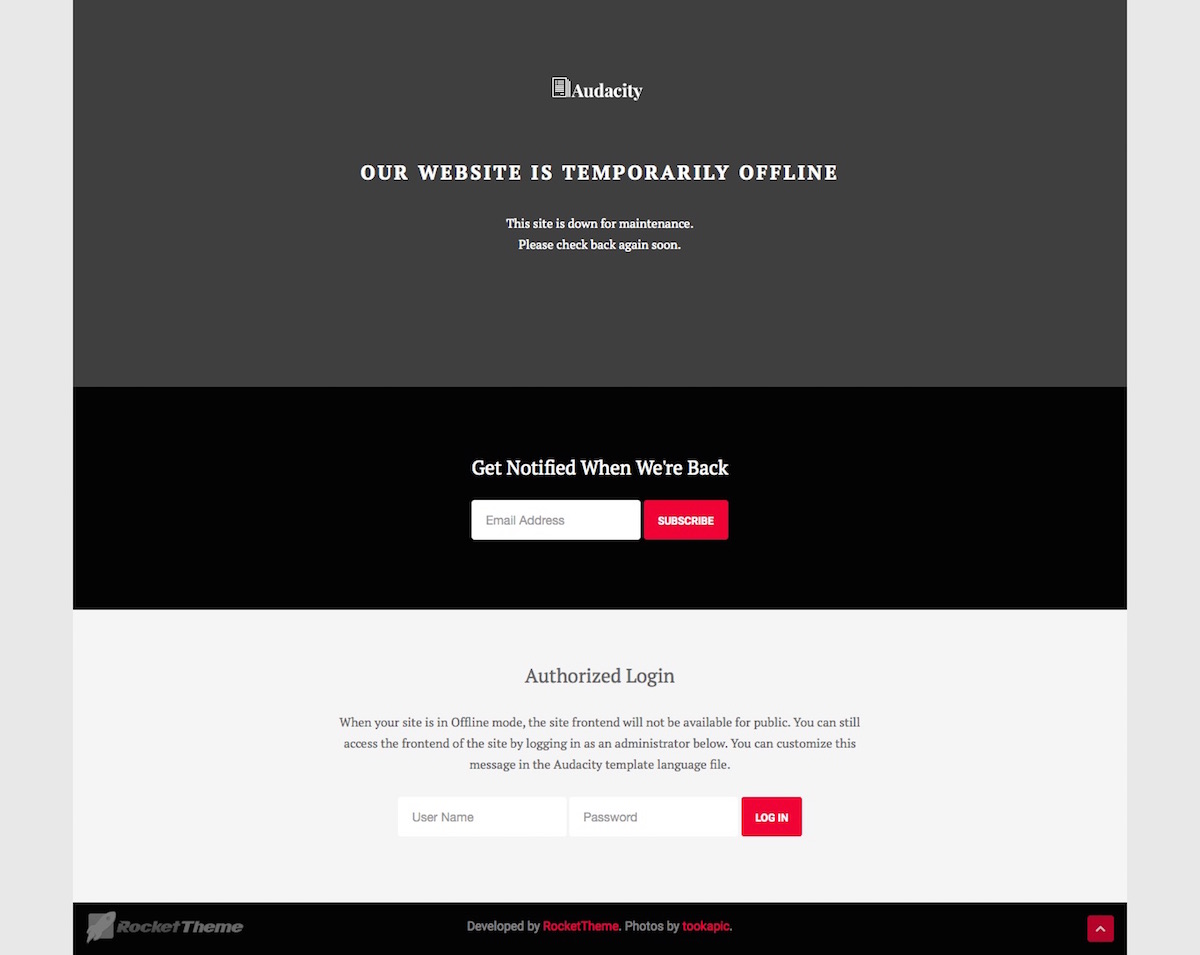
Audacity comes with its own customized Site Offline page which is displayed when the site is set to Offline Mode within the Joomla! Administration. This page, /templates/rt_audacity/offline.php can be easily customised with your own layout, logo and colours, so it represents a message which relates to your project.


Ashraf's Biography

Blogs

Courses - Certificates

Business Articles